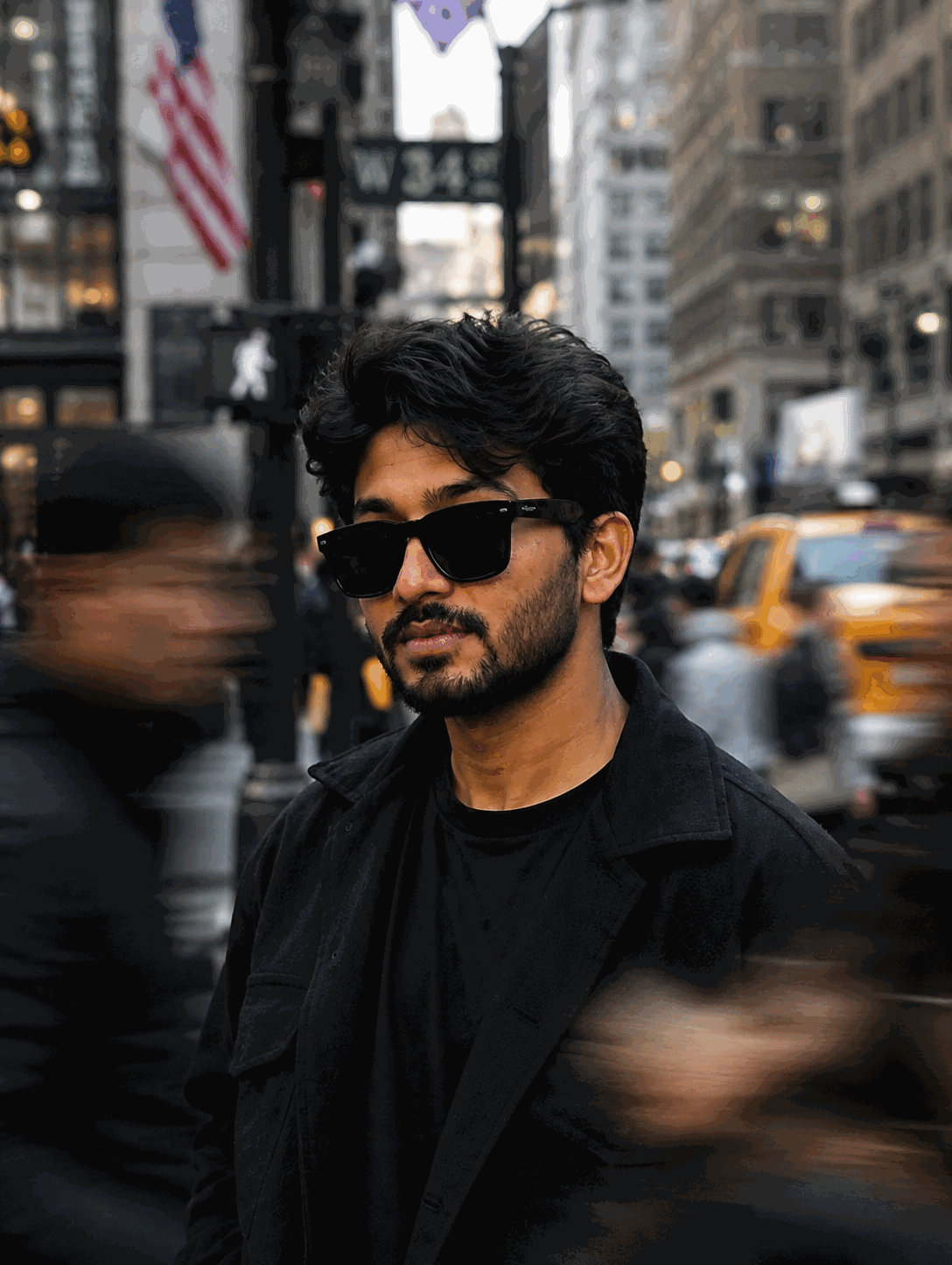
Viral Minecraft Background AI Photo Prompt for Google Gemini
Transform any real photo into a photorealistic AI image with the original human subject preserved exactly while the surrounding environment is rebuilt as a detailed Minecraft-style voxel background matching the original location, perspective, geometry, and composition.
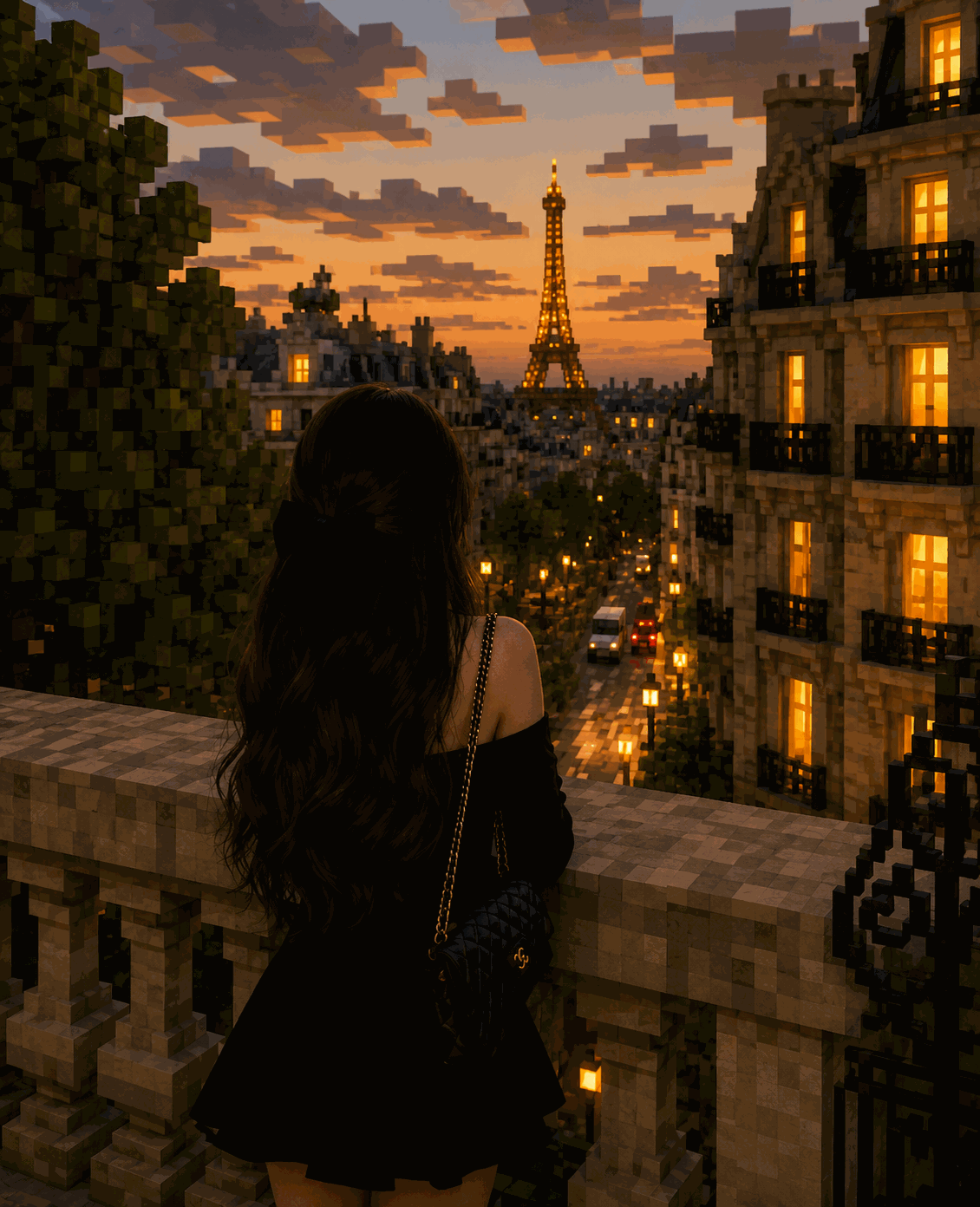
Results may vary by platform and settings
The Prompt
Use the uploaded image as the primary visual reference. Keep the human subject 100% photorealistic and unchanged, with no pixelation, voxelization, stylization, facial alteration, body modification, or identity changes. Preserve the subject's exact facial features, skin texture, hair, hairstyle, body proportions, clothing, accessories, pose, expression, lighting, and natural photographic details. Rebuild only the background as an accurate Minecraft-style voxel replica of the original location. Carefully analyze the reference image before transforming the environment. Match the original background's layout, perspective, camera angle, depth, geometry, architecture, terrain, vegetation, objects, paths, walls, buildings, furniture, and object placement as closely as possible. Convert environmental elements into recognizable block-based voxel geometry while preserving their original positions, scale relationships, composition, and visual hierarchy. Use detailed Minecraft-inspired block textures, cubic foliage, voxel architecture, realistic block materials, atmospheric depth, natural shadows, and lighting consistent with the original photograph. Create a seamless transition between the untouched photorealistic human subject and the voxel environment. The final image should look like a real photograph of the original person placed inside a meticulously reconstructed Minecraft world, with the person remaining completely realistic and the background clearly voxel-based. Preserve the original framing and composition. Do not add unrelated objects, do not change the subject, do not cartoonize the person, and do not apply voxel effects to the human subject. Maintain high-resolution photorealistic image quality.
Try with AI
Why This Prompt Works
Optimized around high-volume AI image generation and Minecraft-related search terms including Minecraft, AI image generator, AI photo editor, Minecraft photo, Minecraft AI photo, and photo to Minecraft AI.
How to Use It
Upload a photo containing a person and use the prompt with ChatGPT, Google Gemini, Microsoft Copilot, or Meta AI. Preserve the human subject as fully photorealistic while transforming only the surrounding environment into a Minecraft-style voxel replica.
Prompt Variations
Replace the Minecraft voxel environment with a realistic LEGO-style recreation while keeping the human subject completely photorealistic.
Transform the background into a highly detailed low-poly 3D environment while preserving the original human subject and composition.
Rebuild the environment as a cinematic Minecraft world with enhanced sunset lighting, atmospheric depth, and detailed voxel textures while leaving the person untouched.