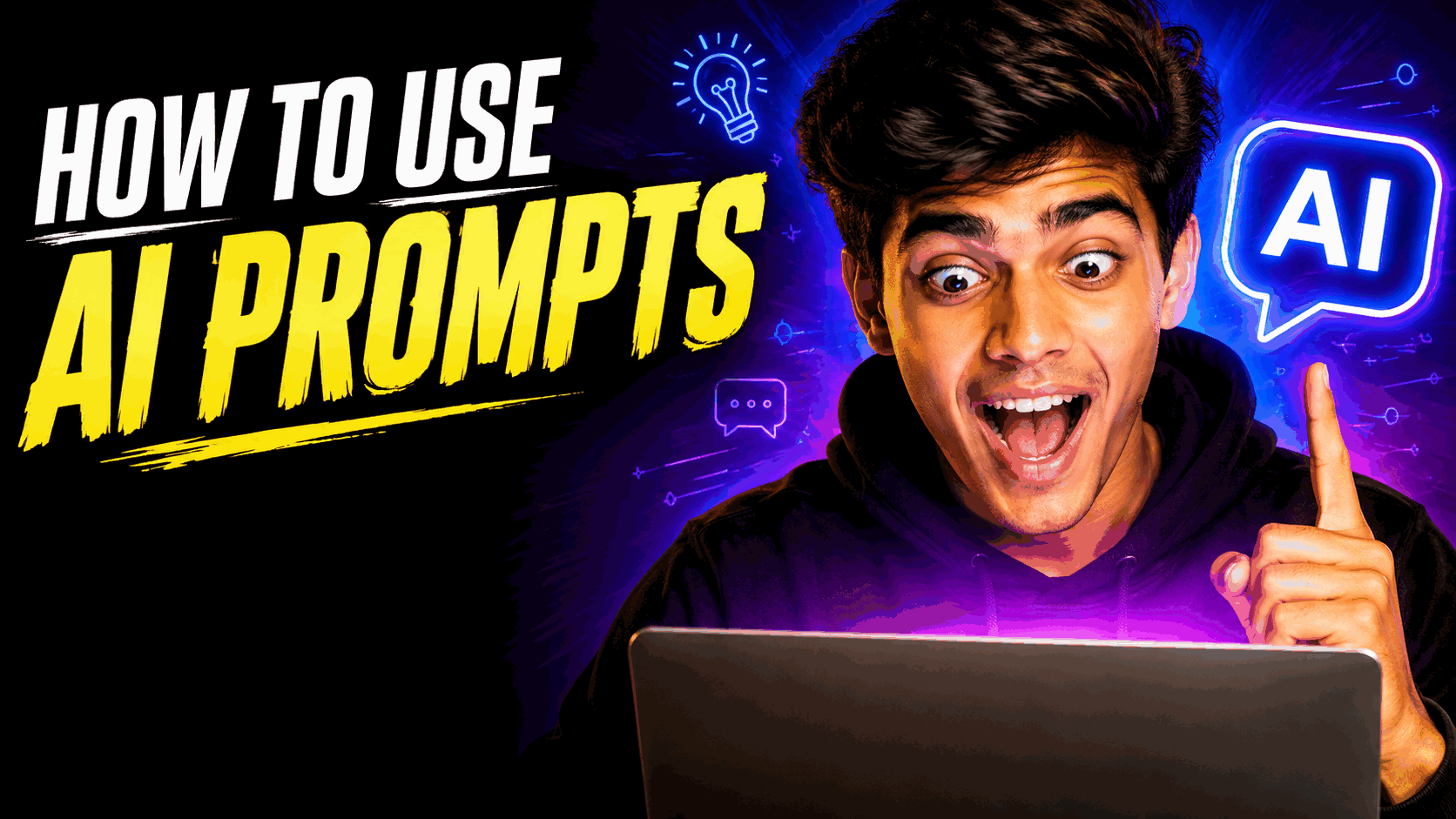
AI YouTube Thumbnail Prompt for Viral Thumbnail Design
Create a bold, high-contrast AI YouTube thumbnail with strong visual impact, clean composition, dramatic lighting, and mobile-friendly text space designed to increase viewer curiosity and clicks.
Results may vary by platform and settings
The Prompt
Create a 16:9 YouTube thumbnail for a video about [insert video topic/title]. The viewer should feel [insert emotion, e.g., shock, curiosity, excitement]. The main visual hook is [insert specific background or object idea]. The focal point on one side should leave clean negative space for text. Use bold colors, high contrast, and hard key lighting. Avoid clutter, fake logos, and tiny details. Make it clean, bold, and easily readable on a small mobile screen.
Try with AI
Why This Prompt Works
Optimized using DataForSEO keyword data around AI prompts, image prompts, YouTube thumbnail design, YouTube thumbnail maker, YouTube thumbnail ideas, and YouTube thumbnail size. The prompt targets creators who want to generate professional YouTube thumbnails with AI while keeping the composition readable on small screens.
How to Use It
Replace the video topic, viewer emotion, and main visual hook placeholders with your specific idea. Keep the focal subject on one side and reserve clean negative space for thumbnail text. Works best with ChatGPT, Google Gemini, Microsoft Copilot, and other AI image generators.
Prompt Variations
Create a dramatic reaction-style YouTube thumbnail with an expressive subject, oversized visual hook, and strong negative space for text.
Create a cinematic AI YouTube thumbnail with a dark background, glowing subject, dramatic rim lighting, and high-impact composition.
Create a minimalist professional YouTube thumbnail with one dominant subject, bold contrast, clean negative space, and mobile-first readability.