Write Your First AI Image Prompt — A Step-by-Step Tutorial
Build a detailed AI image prompt from scratch in six layers, from subject to lighting to camera settings, with a copy-ready template you can reuse for any scene.
Most first attempts at an image prompt look like this: "a woman in a city, realistic." And most first results look like a stock photo nobody chose.
The fix is to build the prompt in layers. Here's the exact order we use for every image prompt in the library.
Step 1: Name the subject precisely
Not "a woman" — a specific person doing a specific thing.
A woman in her late twenties in a charcoal wool coat, mid-stride,
glancing back over her shoulder
Action beats pose. A subject caught mid-movement reads as photography; a subject standing still reads as a render.
Step 2: Place them in an environment
The setting carries half the mood.
...on a narrow New York side street, wet asphalt, steam rising from
a grate, blurred yellow cabs behind her
Step 3: Set the light
This is the highest-impact line in any image prompt, and the one beginners skip.
...late golden-hour sun raking in from camera left, warm rim light
on her hair, deep shadow on the right side of the frame
Name the source, the direction and the quality. "Soft overcast light", "hard midday sun", "single practical lamp behind the subject" — each produces a completely different photograph.
Step 4: Choose the lens and framing
Camera language is shorthand for an entire look.
...shot on a 200mm telephoto, f/2.8, compressed background,
shallow depth of field, waist-up framing
Rough guide: 24–35mm for environmental context and slight distortion, 50mm for a natural look, 85mm for flattering portraits, 200mm for compressed, cinematic separation.
Step 5: Declare the style
Say what kind of image this is, explicitly.
...editorial street photography, natural skin texture, muted film
grade, subtle grain
If you want something other than photography — watercolour, 3D render, line illustration — this is where you say so, and you should say it early rather than late.
Step 6: Add quality and negative constraints
...sharp focus on the eyes, no text, no watermark, no distorted hands,
photorealistic
The finished prompt
A woman in her late twenties in a charcoal wool coat, mid-stride,
glancing back over her shoulder, on a narrow New York side street,
wet asphalt, steam rising from a grate, blurred yellow cabs behind
her. Late golden-hour sun raking in from camera left, warm rim light
on her hair, deep shadow on the right of the frame. Shot on a 200mm
telephoto, f/2.8, compressed background, shallow depth of field,
waist-up framing. Editorial street photography, natural skin texture,
muted film grade, subtle grain. Sharp focus on the eyes,
photorealistic, no text, no watermark.
Six layers, one paragraph, and a result that looks chosen rather than generated.
The reusable template
[SUBJECT + action] in [ENVIRONMENT + two specific details].
[LIGHT SOURCE + direction + quality]. Shot on [LENS], [APERTURE],
[FRAMING]. [STYLE + grade]. [QUALITY TERMS], no text, no watermark.
Iterate one layer at a time
If the result is close, change only the light, or only the lens — never both. Two changes at once and you learn nothing about which one worked.
Prompts to study next
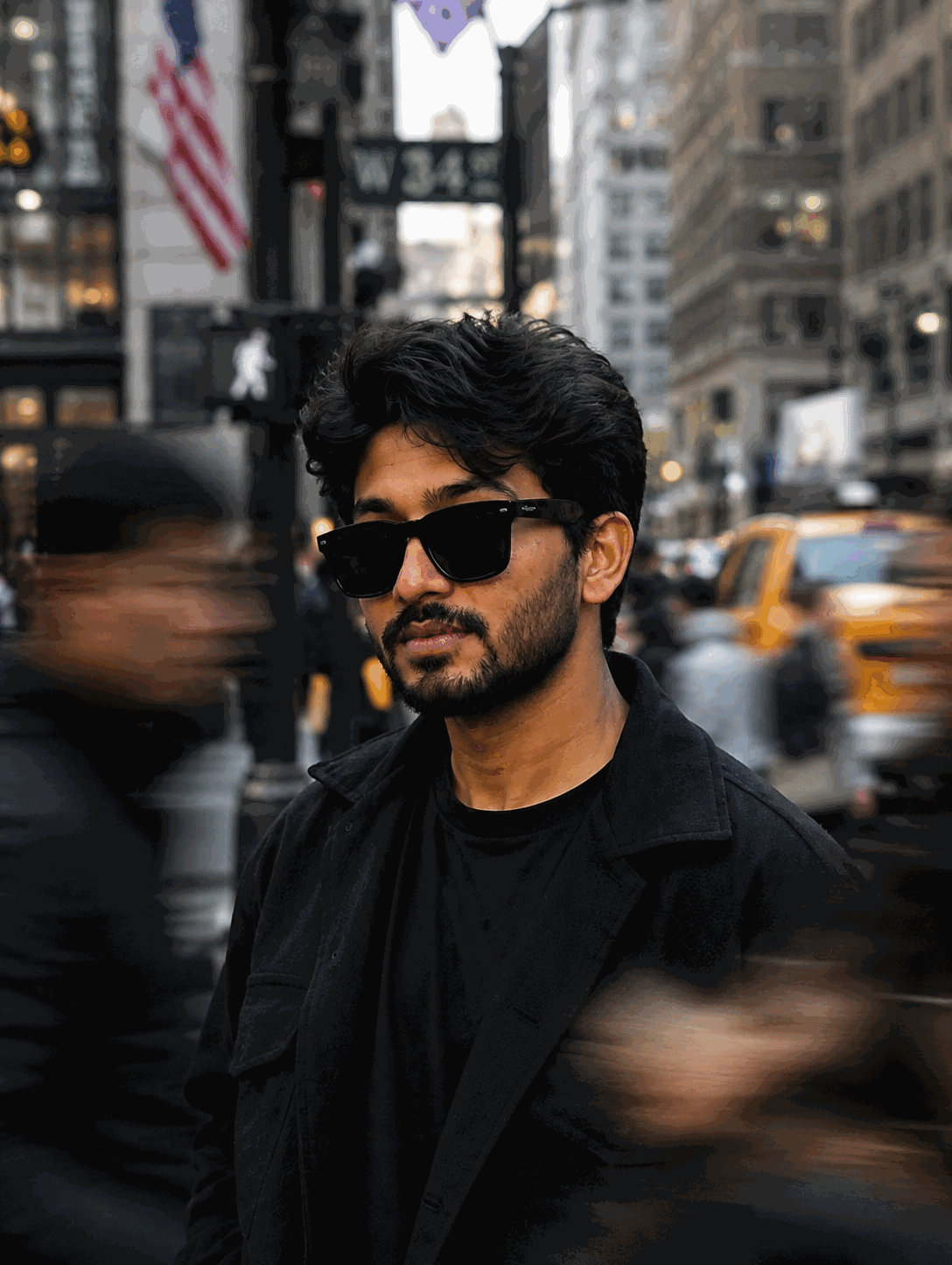
- 200mm New York Street Portrait — this tutorial's structure, fully realised
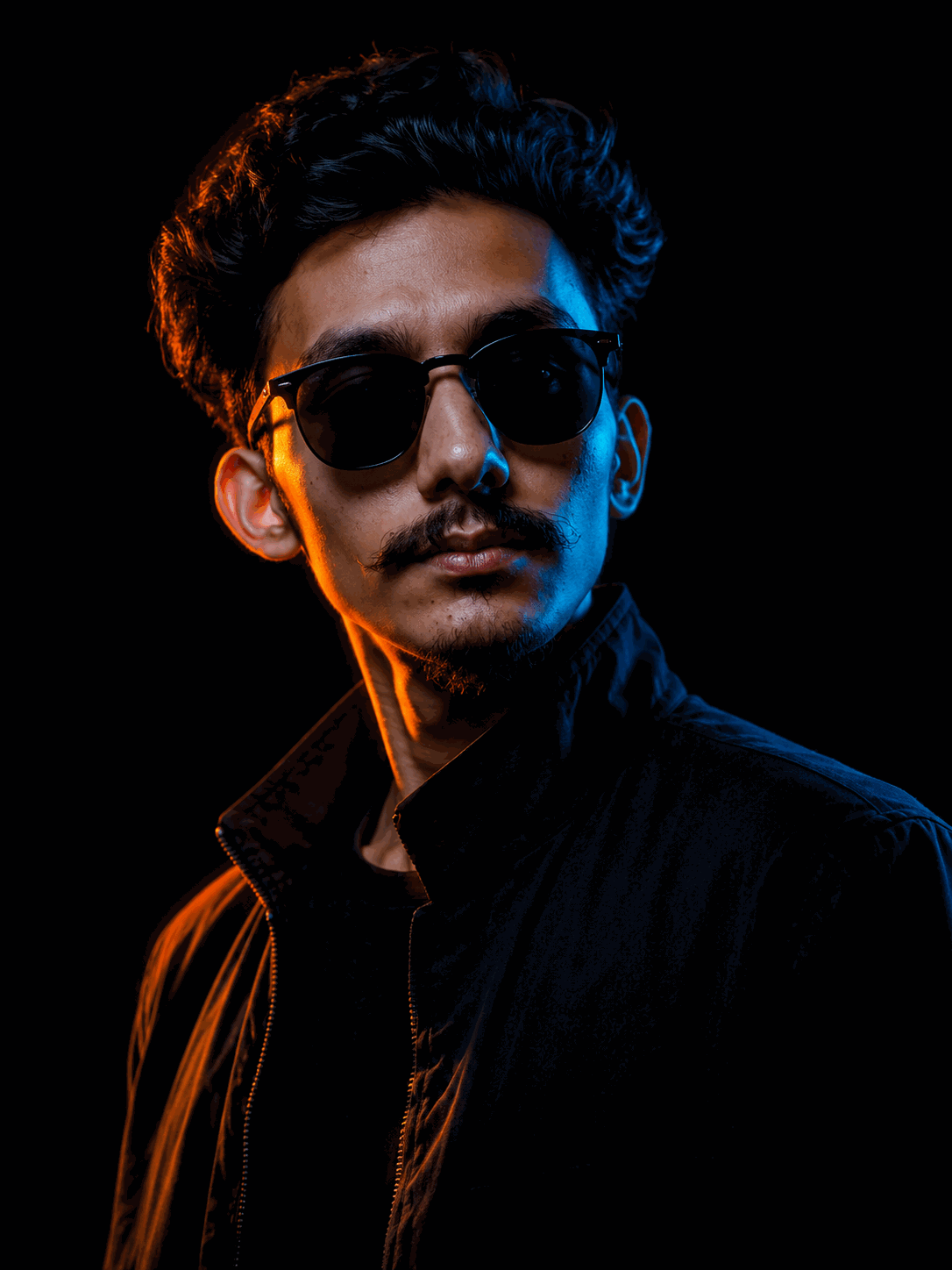
- Cinematic Neon Rim Light Portrait — light as the entire concept
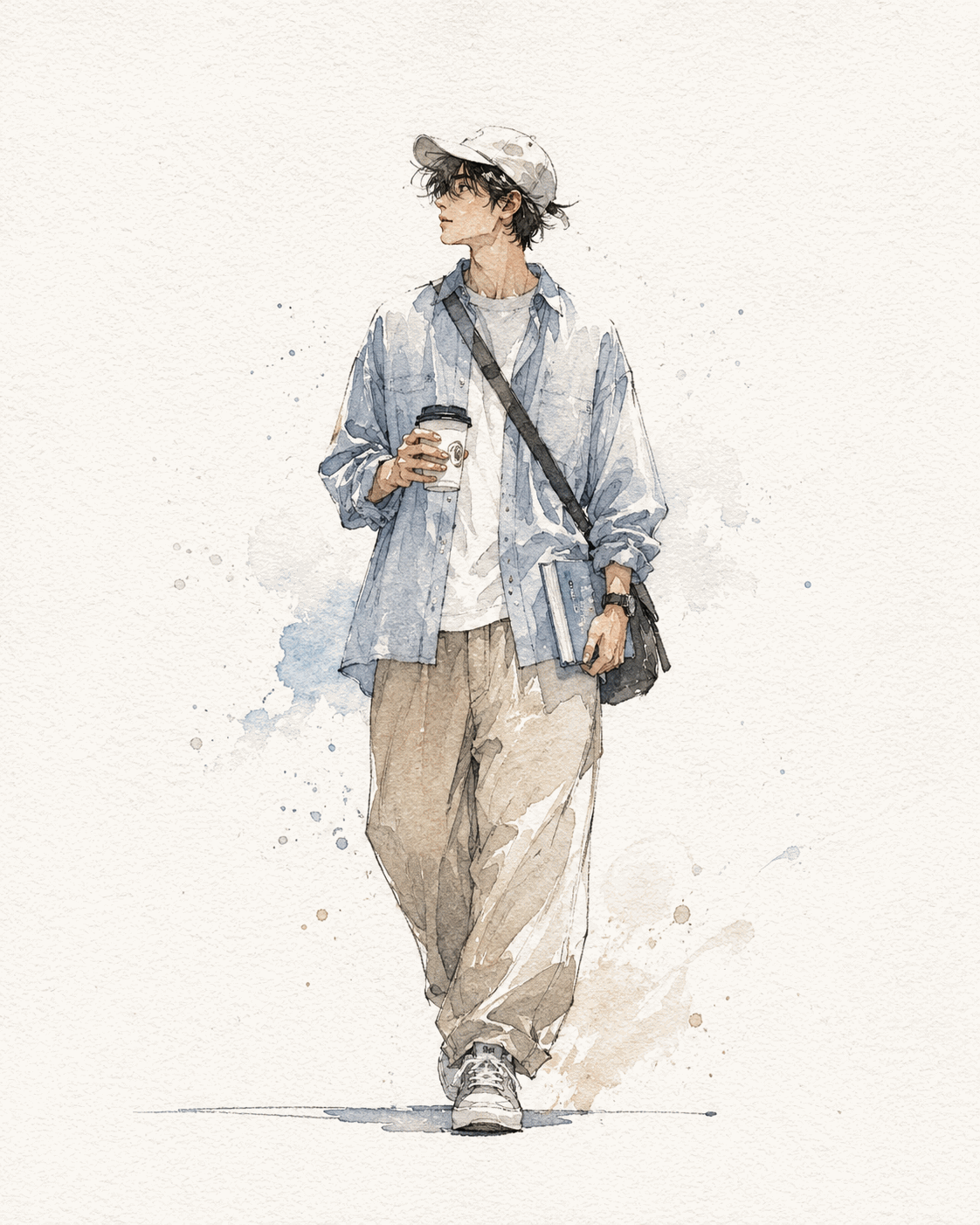
- Watercolour Walking Coffee — the same layering applied to illustration
Browse all AI image prompts to see the pattern repeated across dozens of styles.
Frequently Asked Questions
How long should an AI image prompt be?
For photorealistic results, 40 to 80 words is the sweet spot — enough to specify subject, setting, lighting, style and camera, without so much detail that instructions start competing with each other.
Do camera settings actually change AI image output?
Yes. Terms like "85mm", "f/1.8" and "shallow depth of field" are strongly associated with particular photographic looks in training data, so including them reliably shifts compression, background blur and framing.
Why do my AI images look generic?
Almost always because the prompt names a subject but not a light source, a lens or a mood. Those three additions do more for image quality than any other change.
Prompts From This Article